



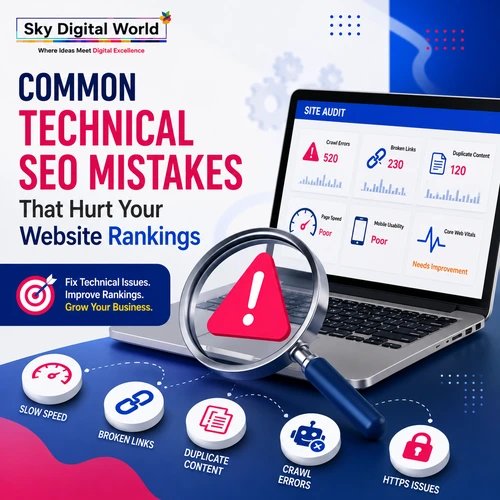
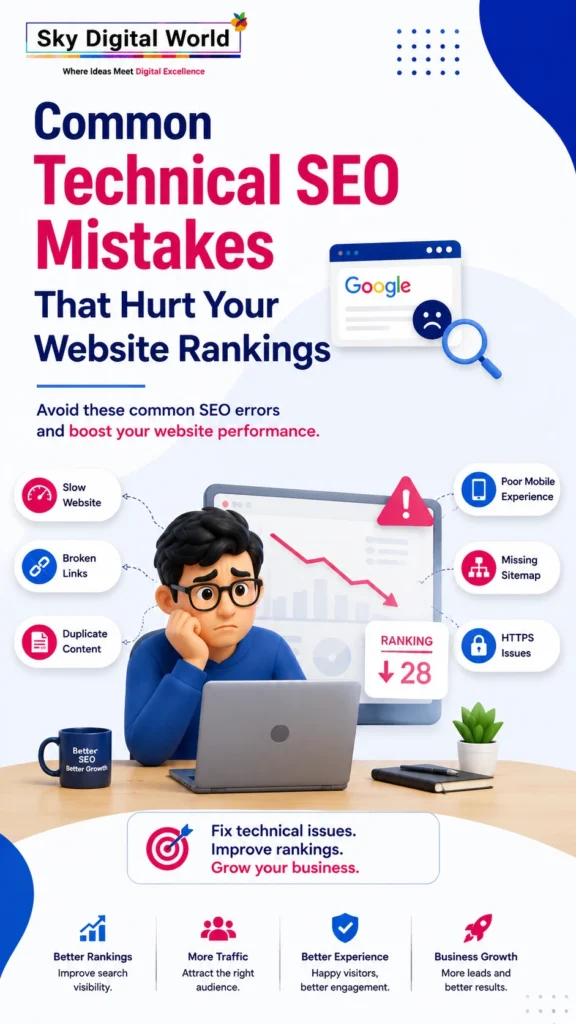
Common Technical SEO Mistakes That Hurt Your Website Rankings
Introduction
Many businesses invest in quality content and keyword optimization but still struggle to rank on Google. The reason is often technical SEO. While content helps search engines understand your website, technical SEO ensures they can crawl, index, and rank it correctly.
Even small technical issues can prevent your pages from appearing in search results, reduce website traffic, and negatively impact user experience. Slow loading pages, broken links, duplicate content, poor mobile optimization, and indexing errors are just a few examples that can hurt your rankings.
Partnering with a professional Technical SEO Company India helps businesses identify and fix these issues before they impact organic performance. A strong technical SEO foundation improves website health, increases visibility, and creates better experiences for both users and search engines.
What is Technical SEO?
Technical SEO is the process of optimizing your website’s infrastructure so search engines can efficiently crawl, understand, and index your pages.
It focuses on improving website performance rather than content creation.
Technical SEO includes:
- Website speed optimization
- Mobile responsiveness
- Crawlability
- Indexability
- XML Sitemap optimization
- Robots.txt configuration
- HTTPS security
- Structured data
- Core Web Vitals
- Internal linking
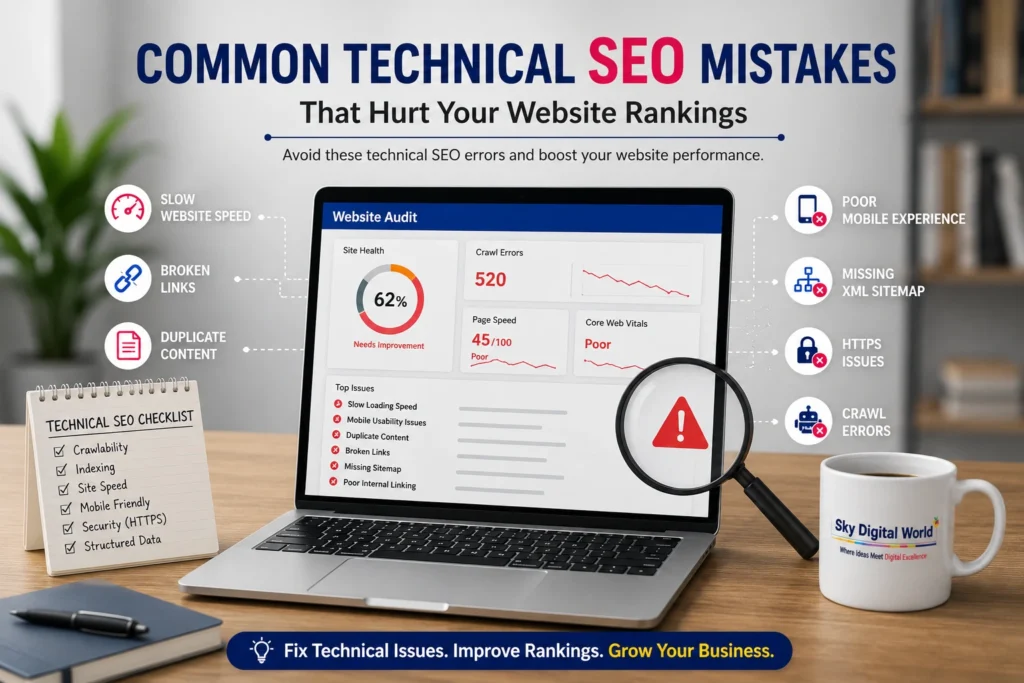
1. Slow Website Speed
Website speed is one of Google’s ranking signals.
Common causes include:
- Large image files
- Unoptimized code
- Excessive plugins
- Poor hosting
- Render-blocking JavaScript
How to Fix
- Compress images
- Enable browser caching
- Minify CSS and JavaScript
- Upgrade hosting
- Use a Content Delivery Network (CDN)
2. Poor Mobile Optimization
Most users browse websites on mobile devices.
A website that isn’t mobile-friendly can experience:
- Higher bounce rates
- Lower engagement
- Reduced rankings
Best Practices
- Responsive design
- Mobile-friendly navigation
- Readable font sizes
- Fast loading pages
- Click-friendly buttons
3. Broken Internal and External Links
Broken links create a poor user experience and waste crawl budget.
They can also reduce website authority.
Solution
- Perform regular link audits.
- Replace or redirect broken URLs.
- Update outdated external links.
4. Missing XML Sitemap
An XML sitemap helps search engines discover important pages quickly.
Without it:
- Important pages may remain undiscovered.
- Crawling becomes less efficient.
Best Practice
Generate and submit an updated XML sitemap through Google Search Console.
5. Incorrect Robots.txt Configuration
A poorly configured robots.txt file can accidentally block important pages from search engines.
Check for:
- Blocked product pages
- Blocked blog posts
- Blocked service pages
- Incorrect Disallow rules
Always verify robots.txt after website updates.
6. Duplicate Content Issues
Duplicate pages confuse search engines about which version should rank.
Common examples:
- HTTP vs HTTPS
- WWW vs Non-WWW
- Printer-friendly pages
- URL parameters
Solution
- Use canonical tags.
- Implement proper redirects.
- Remove duplicate pages.
7. Missing or Incorrect Canonical Tags
Canonical tags tell Google which page is the original version.
Without them:
- Ranking signals become diluted.
- Duplicate content issues increase.
Always use self-referencing canonical tags on primary pages.
8. Poor Core Web Vitals
Google measures user experience using Core Web Vitals.
Key metrics include:
- Largest Contentful Paint (LCP)
- Interaction to Next Paint (INP)
- Cumulative Layout Shift (CLS)
Improving these metrics can positively influence search performance.
9. Crawl Errors
Search engines cannot rank pages they cannot crawl.
Common crawl issues include:
- 404 errors
- Redirect chains
- Server errors
- Soft 404 pages
- Blocked resources
Regularly monitor crawl reports in Google Search Console.
10. Missing Structured Data
Schema markup helps search engines understand your content better.
Benefits include:
- Rich snippets
- FAQ results
- Product information
- Review stars
- Better visibility
Structured data improves click-through rates and search appearance.
11. HTTPS Security Issues
Google prioritizes secure websites.
Ensure:
- SSL certificate is active.
- All pages use HTTPS.
- Mixed content errors are removed.
A secure website builds both trust and rankings.
12. Poor URL Structure
Complex URLs make crawling and indexing difficult.
Good URLs should be:
- Short
- Descriptive
- Keyword-focused
- Easy to read
Example:
✅ /technical-seo-services
Instead of:
❌ /page?id=1287&cat=5
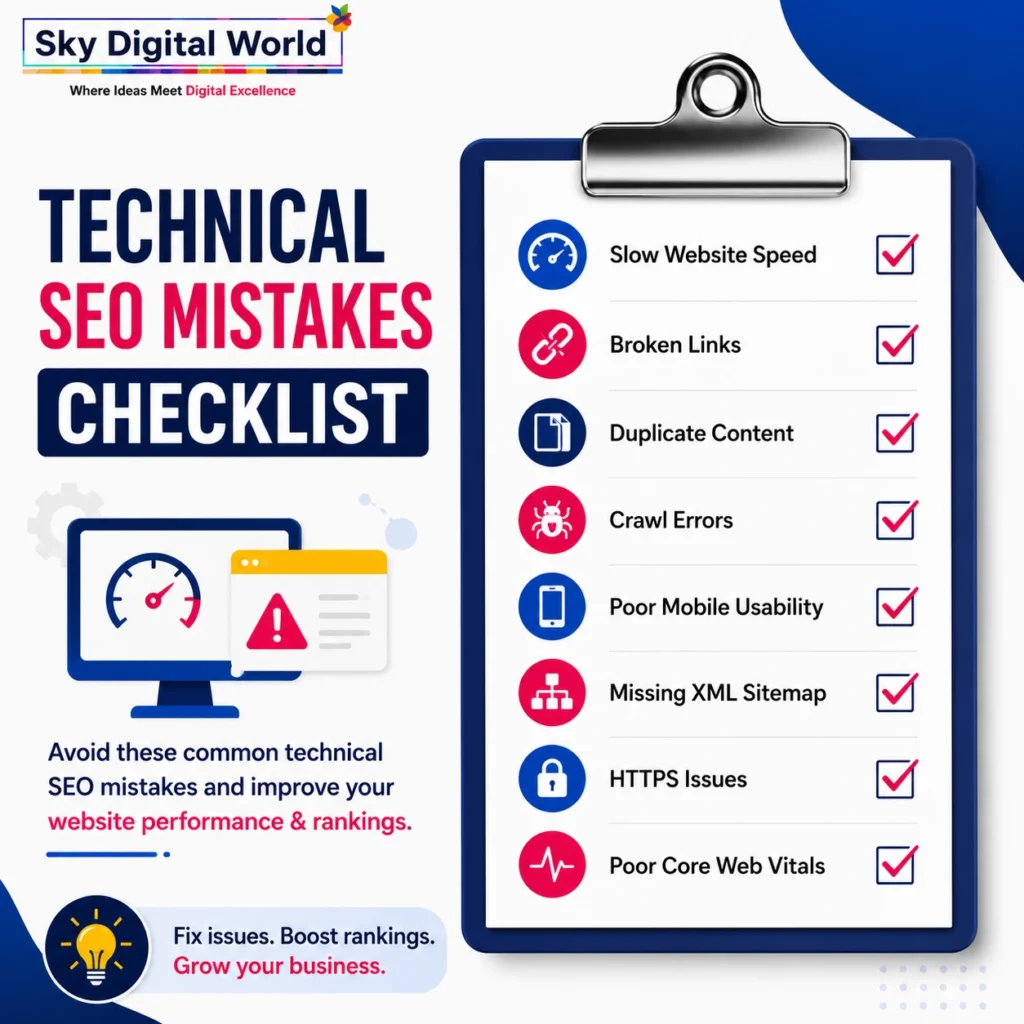
Common Technical SEO Mistakes Checklist
Avoid these common mistakes:
❌ Slow website speed
❌ Missing XML Sitemap
❌ Incorrect Robots.txt
❌ Broken links
❌ Duplicate content
❌ Poor Core Web Vitals
❌ Missing canonical tags
❌ Mobile usability issues
❌ Crawl errors
❌ Missing structured data
❌ HTTPS errors
❌ Poor internal linking
Technical SEO Best Practices
For long-term SEO success:
- Monitor Google Search Console regularly.
- Improve website speed.
- Optimize Core Web Vitals.
- Fix crawl errors immediately.
- Submit updated XML sitemaps.
- Use schema markup.
- Perform technical SEO audits every month.
- Maintain a clean internal linking structure.
- Keep plugins and CMS updated.
- Continuously test mobile usability.
Why Choose Sky Digital World?
Technical SEO requires expertise, regular monitoring, and continuous optimization.
Sky Digital World provides:
- Technical SEO Company India
- Comprehensive Website SEO Audits
- Technical SEO Optimization
- Core Web Vitals Improvement
- Website Speed Optimization
- Crawl & Indexing Optimization
- Schema Markup Implementation
- XML Sitemap & Robots.txt Management
- Mobile SEO Optimization
- SEO Performance Monitoring
Our team follows Google’s latest SEO best practices to ensure your website remains technically strong, search-engine friendly, and ready for sustainable organic growth.
Conclusion
Technical SEO is the backbone of every successful website. Even the best content cannot perform well if search engines struggle to crawl, index, or understand your website.
By fixing common technical SEO mistakes and working with an experienced Technical SEO Company India, businesses can improve search rankings, enhance user experience, and generate consistent organic traffic over the long term.
Frequently Asked Questions (FAQs)
1. What is Technical SEO?
Technical SEO focuses on optimizing a website’s technical foundation so search engines can crawl, index, and rank pages effectively.
2. Why is Technical SEO important?
It improves website performance, user experience, search visibility, and helps Google understand your website more efficiently.
3. How often should a Technical SEO audit be performed?
A complete technical SEO audit is recommended every 3–6 months, with ongoing monitoring for crawl errors, Core Web Vitals, and indexing issues.
4. Can Technical SEO improve rankings?
Yes. Fixing technical issues enhances crawlability, indexing, page speed, and user experience, all of which contribute to improved search rankings.
5. Why hire a Technical SEO Company India?
A professional Technical SEO Company India can identify hidden technical issues, implement advanced SEO improvements, and ensure your website follows Google’s latest best practices.