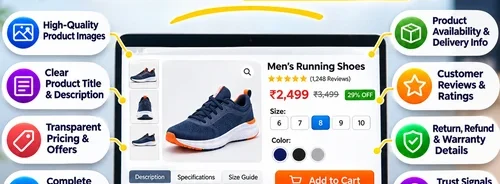





E-commerce Product Page: 10 Must-Have Elements
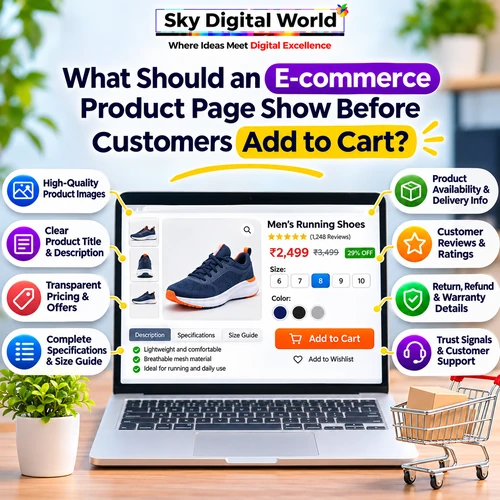
What Should an E-commerce Product Page Show Before Customers Add to Cart?
Imagine visiting an online store to buy a product. You like the picture, the price looks reasonable, and the product seems useful. But when you scroll down, you cannot find its dimensions, delivery information, or return policy.
Would you confidently click “Add to Cart”?
Probably not.
This is one of the biggest challenges e-commerce businesses face. Customers cannot physically touch, examine, or test products before buying them. They depend on the information available on the product page.
A well-designed e-commerce product page should answer important customer questions, build trust, and make purchasing decisions easier.
Let’s explore what every online store should display before customers click the Add to Cart button.
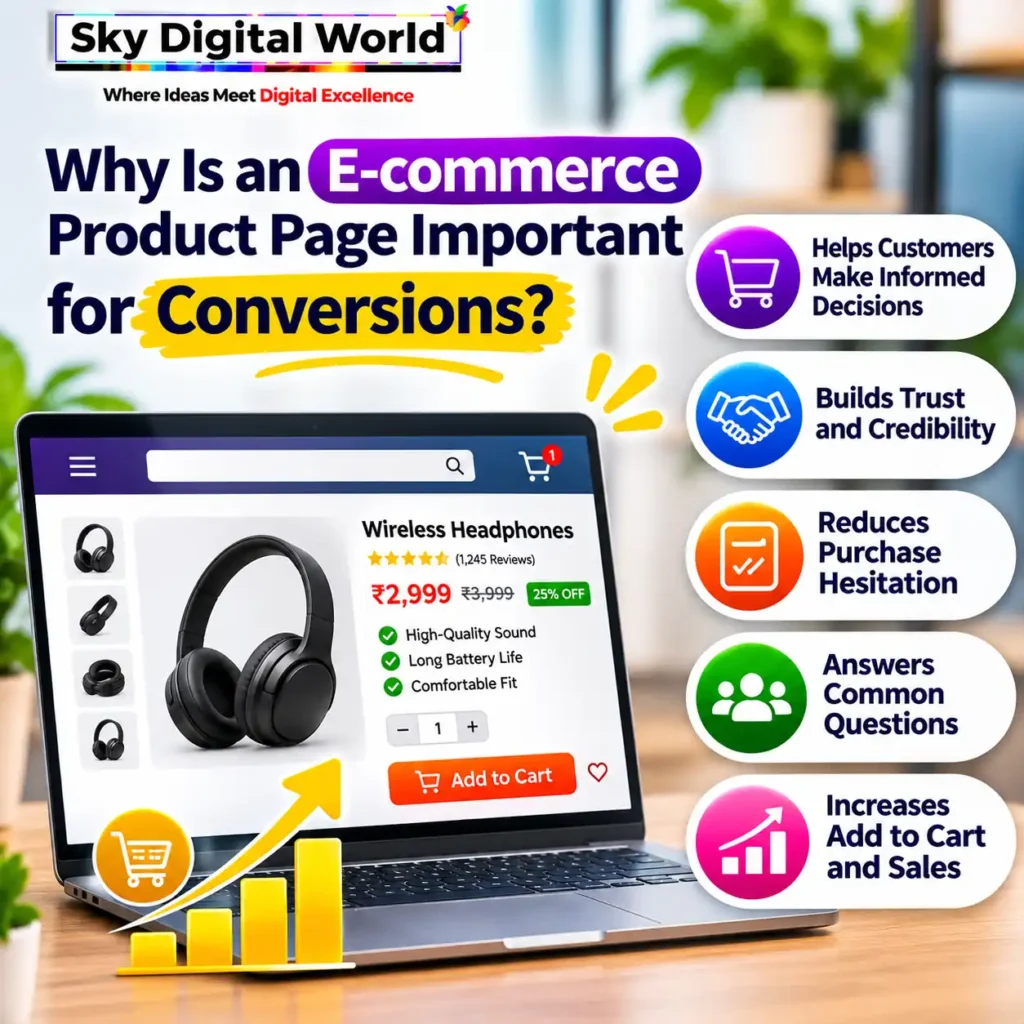
Why Is an E-commerce Product Page Important for Conversions?
An e-commerce product page is more than a place to display product images and prices. It is where customers evaluate whether a product meets their needs.
A visitor may arrive through Google Search, Instagram advertising, or a product recommendation. Regardless of how they reach your website, the product page should provide enough information to make a confident decision.
A strong product page helps businesses:
- Explain product features and benefits clearly.
- Reduce confusion about specifications.
- Build trust through transparent information.
- Answer common questions before purchase.
- Make the buying process easier.
When customers understand exactly what they are purchasing, they have fewer reasons to hesitate.
1. Clear and High-Quality Product Images
Product images are often the first thing customers notice.
Since shoppers cannot examine products physically, photographs should help them understand the product’s appearance, design, and important details.
A good product page should include multiple images showing different angles, close-up details, and realistic product usage.
For example, an online furniture store could display a chair from the front, side, and back, along with a photograph showing how it looks in a living room.
Best practices for product images:
- Use clear, high-resolution photographs.
- Show the actual product without misleading edits.
- Include close-ups of important features.
- Provide multiple viewing angles.
- Optimize images for fast website loading.
Lifestyle photographs can also help customers imagine how a product fits into their daily lives.
2. A Product Title That Explains Exactly What Is Being Sold
Creative product names may sound attractive, but they should not confuse customers.
A useful product title should clearly identify the product and include relevant characteristics when necessary.
For example:
Unclear Title: Premium Comfort Collection
Better Title: Men’s Cotton Regular Fit T-Shirt – Navy Blue
The second title immediately communicates the product category, material, fit, and colour.
For technical products, titles may also include dimensions, model numbers, or specifications.
Clear product titles improve usability and help search engines understand the page’s subject.
3. Transparent Pricing and Additional Charges
Customers should not have to search for the actual cost of a product.
Display the selling price prominently, along with any applicable discounts and important pricing conditions.
If a product has different sizes, quantities, or variants, ensure the displayed price updates correctly when customers select an option.
Where applicable, explain taxes, shipping charges, or other fees before the final checkout stage.
Unexpected charges can create frustration and discourage customers from completing their purchase.
Quick tip: If you advertise a discount, make sure the original price, discounted price, and offer conditions are accurate.
4. A Product Description That Focuses on Customer Benefits
Many online stores copy basic manufacturer descriptions without explaining why the product is useful.
A good product description should answer two questions:
What does this product offer, and why should the customer care?
Instead of writing only:
“Stainless steel water bottle, 750 ml.”
You could explain:
“A reusable 750 ml stainless steel water bottle designed for everyday use at work, school, or while travelling.”
This helps customers understand practical applications.
Keep descriptions easy to scan by separating important features, benefits, and usage information.
Avoid exaggerated promises or claims that cannot be verified.
5. Complete Product Specifications and Size Information
JTL Plugin GPSR: Produktsicherheit im Shop rechtskonform umsetzen
Missing specifications are a common reason customers hesitate before buying.
Depending on the product category, customers may need information such as dimensions, weight, material, capacity, compatibility, ingredients, or care instructions.
For example, clothing customers need accurate size charts, while electronics buyers may require technical specifications and compatibility details.
A structured specification table makes information easier to compare.
Product Category | Important Details |
Clothing | Size, fabric, fit, washing instructions |
Electronics | Model, dimensions, compatibility, warranty |
Furniture | Material, measurements, weight capacity |
Grocery | Net quantity, ingredients, expiry information |
Industrial Products | Dimensions, grade, material, specifications |
Providing relevant details helps customers select products that suit their requirements.
6. Product Availability and Delivery Information
Before adding a product to their cart, customers often want to know whether it is available and when it can arrive.
Your product page should communicate stock availability clearly.
If possible, provide an estimated delivery date based on the customer’s location.
Useful information includes delivery options, estimated shipping time, applicable charges, and serviceable locations.
For example, instead of displaying only “Fast Delivery,” an online store could provide a location-based estimated delivery window.
Be careful not to promise delivery dates that your logistics process cannot reliably support.
7. Customer Reviews and Genuine Product Ratings
UGC Video Sourcing: How to Get Creators to Make Content for Your Shopify Store | Moast.io
Customer reviews can help shoppers understand how a product performs in real-life situations.
Reviews may answer questions that product descriptions cannot fully address.
For example, customers purchasing shoes may want to know whether the sizing is accurate, while someone buying kitchen equipment may want feedback about ease of use.
A useful review section may include written feedback, star ratings, verified purchase indicators, and customer-uploaded photographs where available.
Important: Never publish fabricated reviews or misleading ratings. Genuine feedback is more valuable for building long-term customer trust.
8. Clear Return, Refund, and Warranty Information
Customers may hesitate when they are unsure what happens if a product arrives damaged or does not meet their expectations.
A product page should make important policies easy to find.
Explain whether returns or exchanges are available, applicable time limits, eligibility conditions, and the process for requesting support.
If the product includes a warranty, specify its duration and coverage.
Some products may have different return conditions because of hygiene, perishability, customization, or other factors.
Transparency helps customers make informed decisions and reduces misunderstandings after purchase.
9. A Visible and Easy-to-Use Add to Cart Button
The Add to Cart button is one of the most important elements on an e-commerce product page.
It should be easy to identify without competing with too many other buttons.
Use a clear label such as “Add to Cart“ and ensure customers can select required product options before proceeding.
On mobile devices, the button should be easy to tap.
Some stores benefit from a sticky Add to Cart button that remains accessible while customers scroll through product details.
However, it should not cover important content or make the mobile experience uncomfortable.
10. Trust Signals and Customer Support Options
Customers are more comfortable purchasing from businesses that appear reliable and accessible.
Your product page can reinforce trust through accurate company information, secure checkout options, transparent policies, and clear customer support details.
Useful trust elements include:
- Accepted payment methods.
- Customer support contact options.
- Relevant product certifications, when applicable.
- Clear seller or brand information.
- Links to shipping and return policies.
Avoid adding excessive badges or unsupported claims such as “100% Guaranteed” without explaining what the guarantee covers.
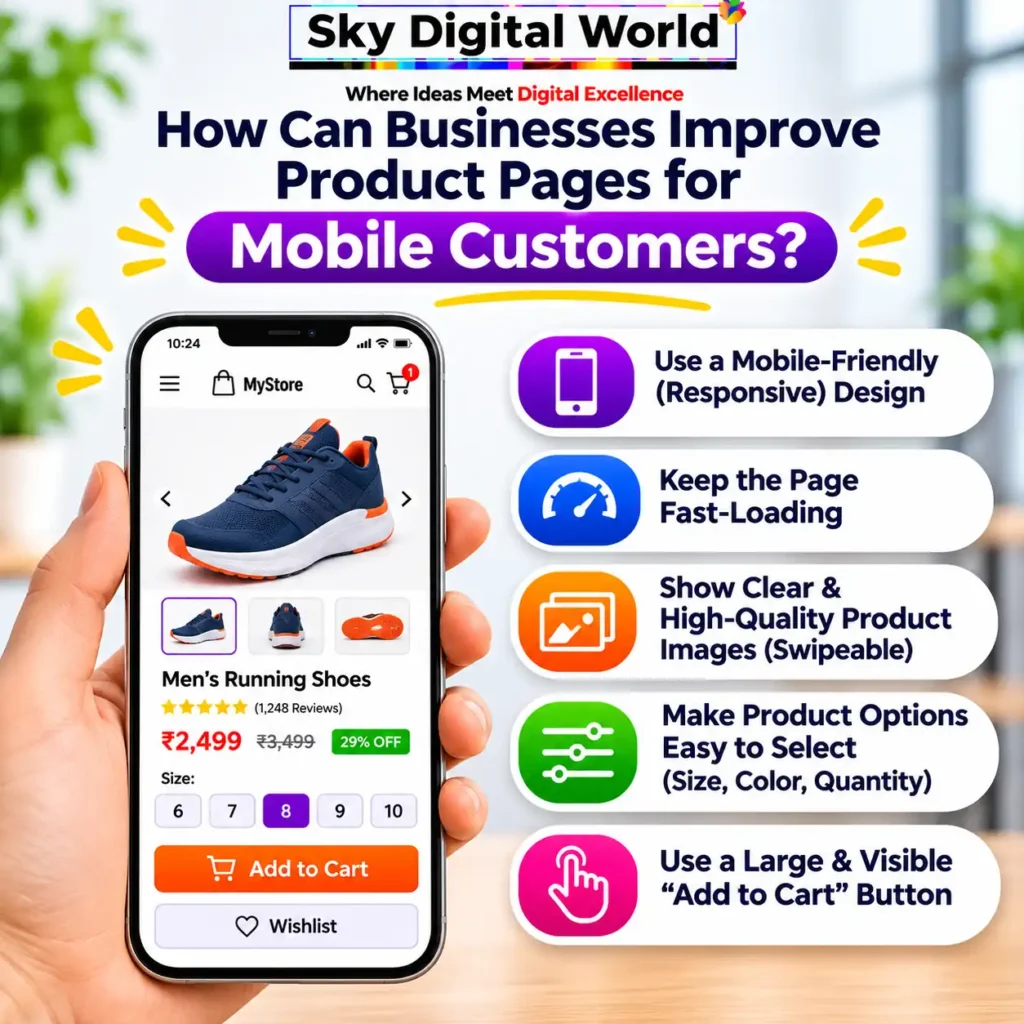
How Can Businesses Improve Product Pages for Mobile Customers?
Many customers discover products through mobile search and social media, so the mobile shopping experience deserves special attention.
A mobile-friendly product page should load efficiently, display readable text, and make navigation simple.
Customers should be able to swipe through product images, choose variants, check prices, and add products to their cart without unnecessary steps.
Use compressed product images, avoid intrusive pop-ups, and test important interactions on different screen sizes.
A beautiful desktop website is not enough if mobile customers struggle to complete basic actions.
How Can Businesses Measure Product Page Performance?
After improving product pages, businesses should monitor whether customers are interacting with them more effectively.
Important metrics include:
Metric | What It Helps Measure |
Product Page Views | How often products are viewed |
Add-to-Cart Rate | How frequently product views lead to cart additions |
Cart Abandonment Rate | How often shoppers leave carts without purchasing |
Purchase Conversion Rate | How effectively visits result in orders |
Revenue per Visitor | Revenue generated relative to visitor traffic |
Tools such as Google Analytics 4 can help businesses track relevant e-commerce events when properly configured.
Use the data to identify pages that receive traffic but generate few cart additions, then investigate potential problems with pricing, content, usability, or customer expectations.
Conclusion
An effective e-commerce product page does more than showcase a product. It gives customers the information they need to decide whether the product is right for them.
High-quality images, accurate descriptions, complete specifications, transparent pricing, genuine reviews, and clear delivery policies all contribute to a better shopping experience.
Before asking customers to click “Add to Cart,” make sure your website answers their most important questions.
At Sky Digital World, we help businesses create user-friendly e-commerce websites, improve product page experiences, and develop digital marketing strategies focused on attracting relevant customers.
Want to improve your online store’s product pages? Connect with Sky Digital World to build a more professional and customer-focused e-commerce experience.
Frequently Asked Questions
There is no single element that works independently. Clear product images, accurate information, transparent pricing, and an accessible Add to Cart button are all important.
There is no fixed number. Include enough photographs to show important angles, features, and usage details without adding unnecessary repetition.
Better descriptions can reduce confusion and help customers make informed decisions. Their impact on sales depends on the product, audience, pricing, and overall shopping experience.
Genuine customer reviews are useful when available. New products without reviews should still provide accurate specifications, images, and policies
Possible reasons include unclear pricing, missing specifications, high delivery charges, insufficient trust, unsuitable products, or technical problems.